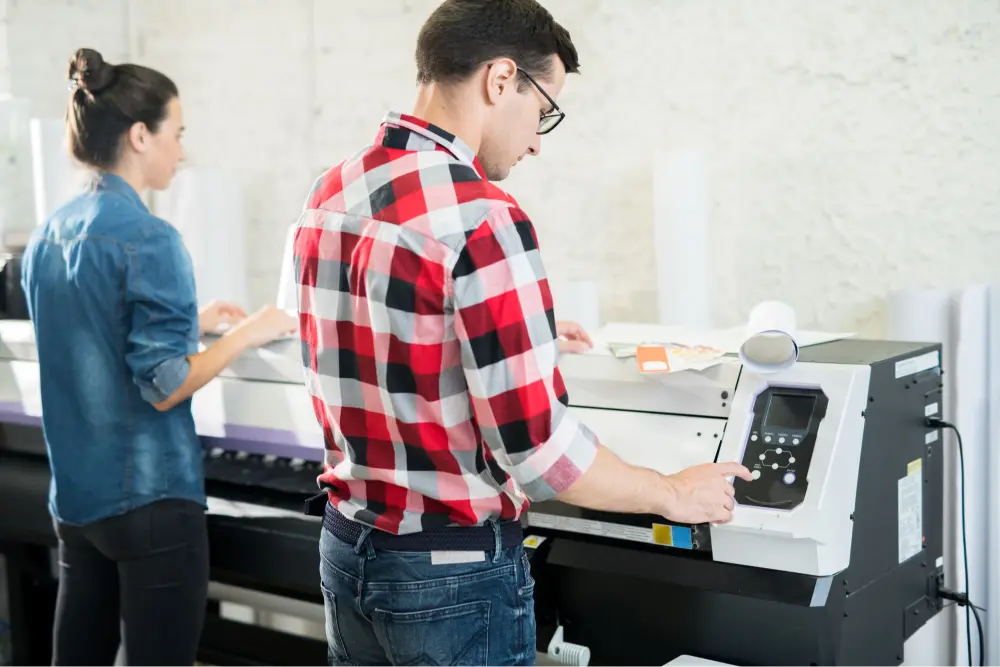
How to Choose an Affordable Door Hanger Printing Company in Calgary

Door hangers are one of the most direct ways to reach homeowners in your area. They sit right on the front door, where people see them the moment they get home. The results you get, though, depend a lot on who prints them. Choosing the right partner for door hanger printing in Calgary means looking beyond the lowest price to find a company that offers quality, support and real value for your budget.

What to Look for in a Door Hanger Printing Company in Calgary

Print Quality You Can See and Feel

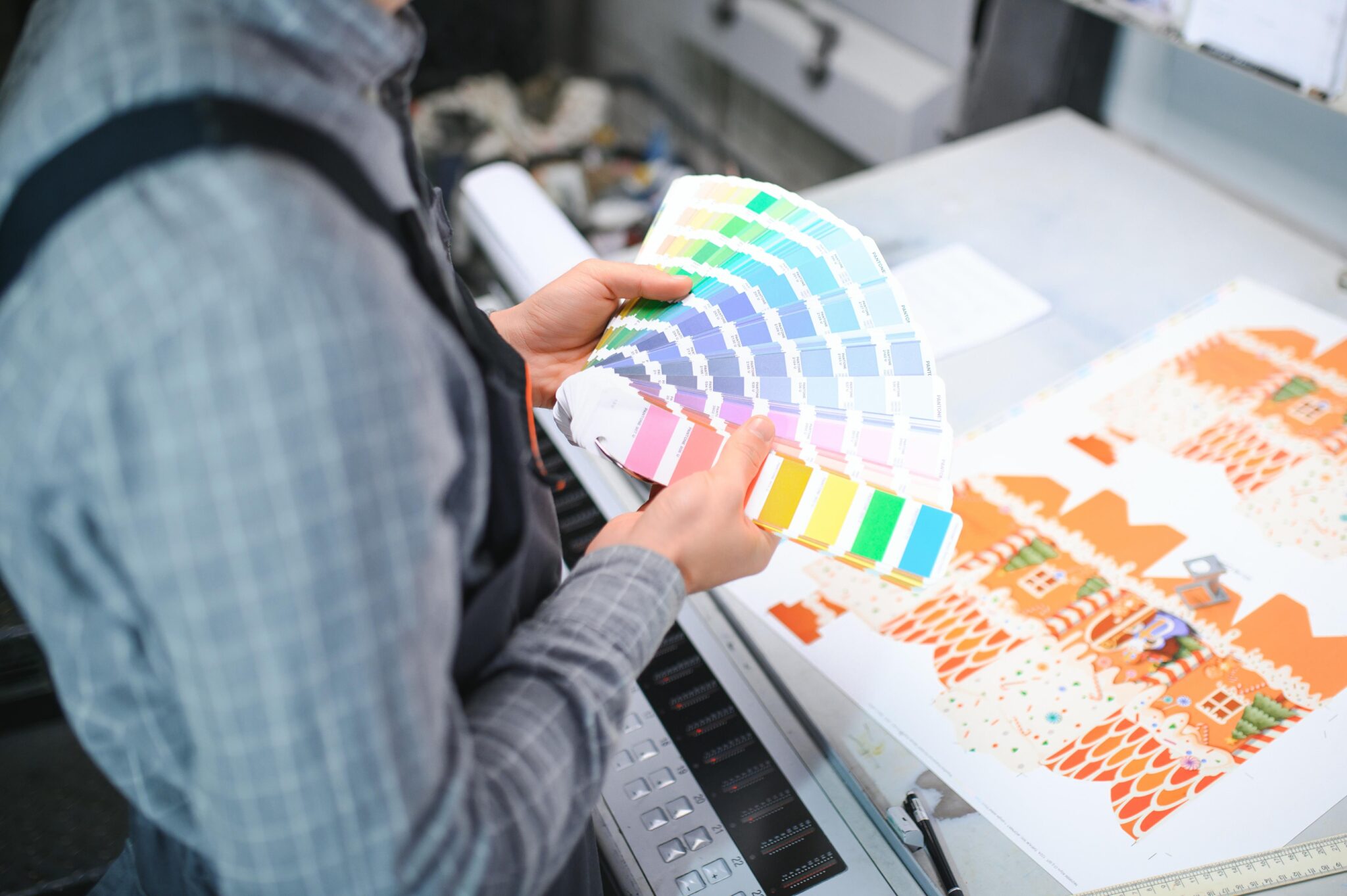
Door hanger printing quality starts with paper stock. A door hanger needs sturdy card stock that holds its shape on a handle and stands up to Calgary wind and weather. Ask about ink quality, colour options and finishing techniques that help your message stand out.

Design Services and Template Options

Not every business has a designer on staff. A good printer offers design services or template options to help you build a clean print layout with a clear headline, a strong offer and an easy call to action. Our graphic design team can create your door hanger from the ground up or refine a file you already have.

Custom Features That Drive Response

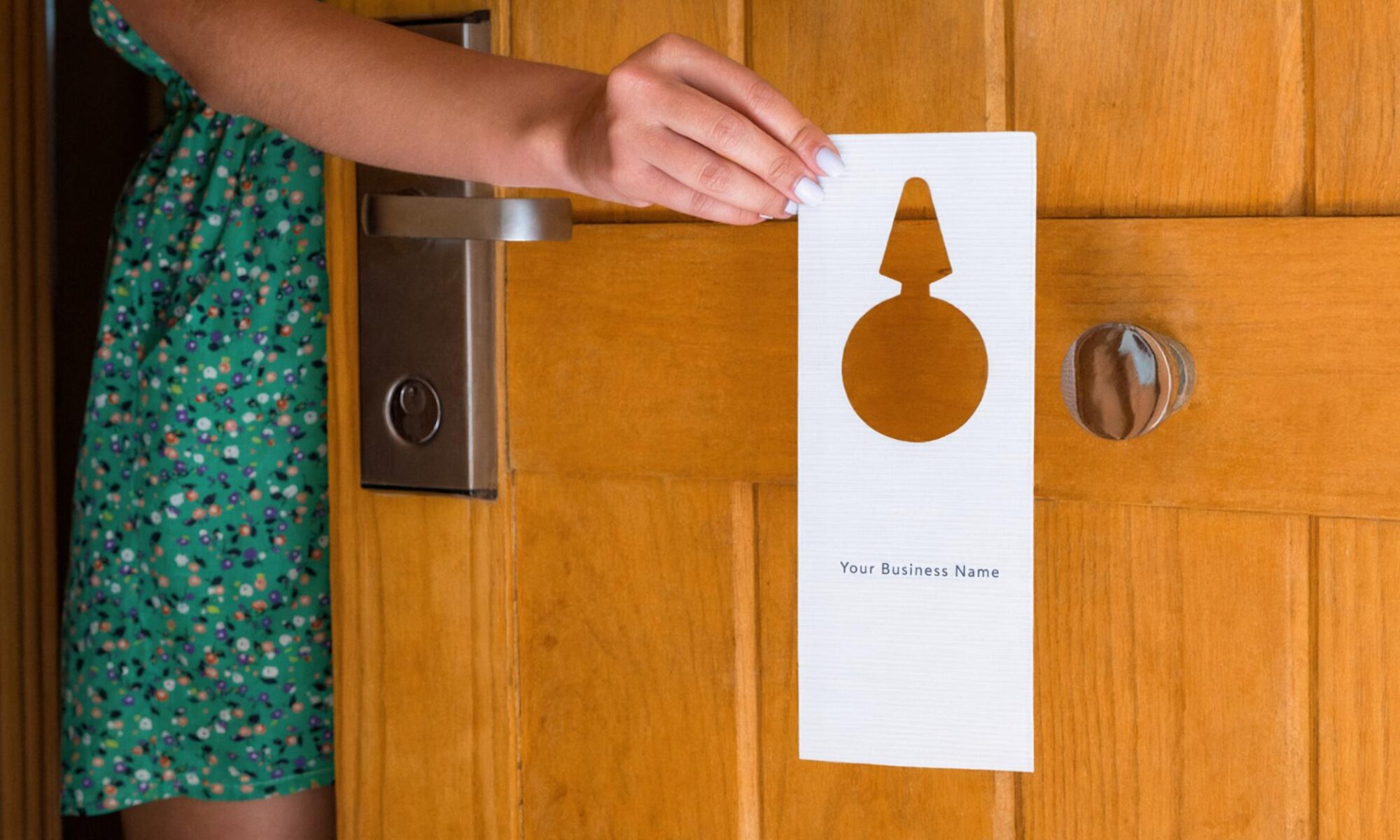
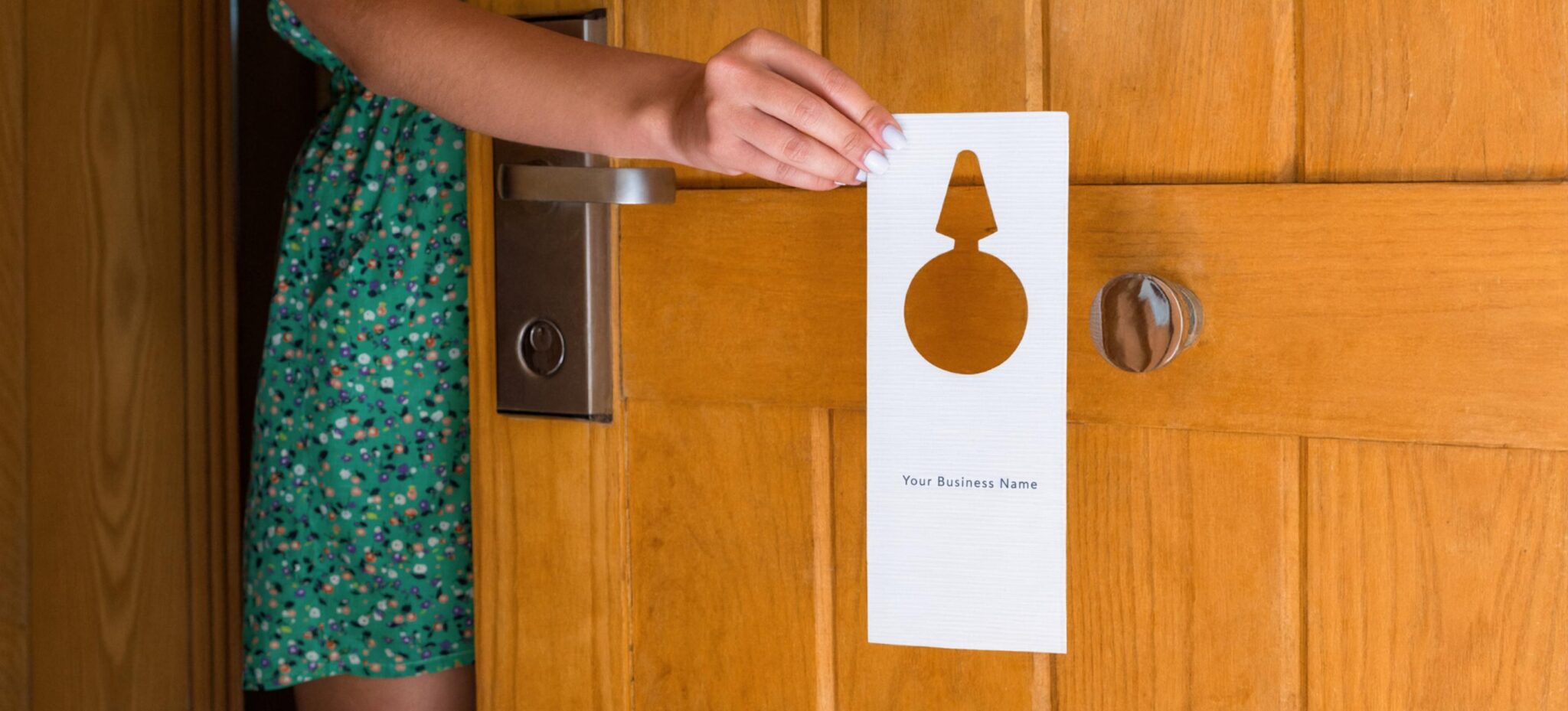
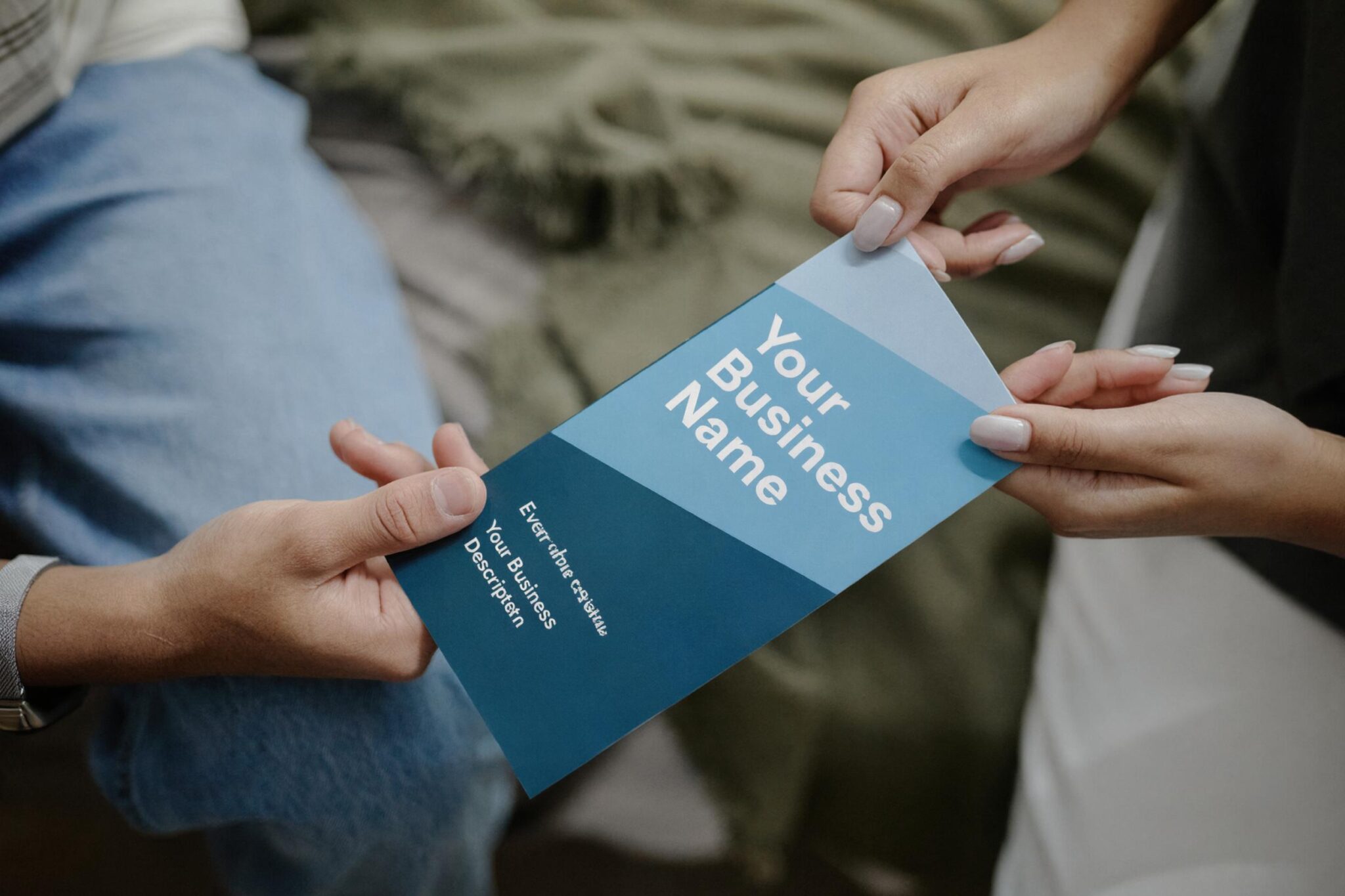
Custom door hanger printing lets you tailor the piece to your campaign. Look for a printer that die-cuts each hanger to fit door handles and can add a perforated tear-off, so homeowners can keep a coupon or business card.

Production Speed and Bulk Pricing

Timing matters when you are promoting a seasonal service or limited-time offer. Ask about production speed and pricing on bulk orders, since bulk printing typically lowers your cost per piece.
Door Hanger Printing for Business Growth

Door hangers are marketing materials, not just print jobs, and they work best as part of a broader branding strategy. Plan your distribution strategy by choosing neighbourhoods that match your ideal customer. For wider reach, you can pair door hangers with neighbourhood mail campaigns.

Build in campaign tracking, too. A unique promo code, QR code or dedicated phone number makes ROI measurement easier, so you can see which areas drive the most customer engagement.

Frequently Asked Questions

How much does door hanger printing cost in Calgary?

Pricing depends on quantity, paper stock and finishing. Larger bulk orders usually reduce the cost per piece. The best way to get an accurate price is to request a quote with your project details.

What types of businesses use door hangers?

Door hangers are a natural fit for businesses that serve homeowners, including realtors, landscapers, security companies and home renovation contractors. Learn more about our door hanger printing services.

What should I include on a door hanger?

Keep it simple: your logo, a clear headline, one strong offer, contact details and a call to action. A tear-off coupon or QR code makes it easier for people to respond and for you to track results.

Are door hangers better than flyers?

Door hangers go directly on the door handle, so they are harder to miss than a flyer in a mailbox. Many businesses use both as part of the same local campaign.
Choose Value, Not Just Price

Affordable door hanger printing is about getting the most from every piece you hang. Look for a Calgary printer that combines quality materials, design support, fair bulk pricing and practical advice on business promotion.

Ready to Start Your Door Hanger Campaign?

For more than 20 years, Minuteman Press Beltline has helped Calgary businesses design, print and promote their brands. Let’s create door hangers that fit your goals and your budget.
Contact us to request a quote

How Gloss Lamination Protects Your Business Cards

Your business card often makes the first impression, and it has to survive a lot before it gets there. Wallets, pockets, coffee spills and busy trade show tables all take a toll. Gloss lamination business cards are made to handle that wear, with a protective layer that keeps colours bright and edges intact. Here is how the lamination process works and whether it is the right finish for your brand.

What Is Gloss Lamination?

Gloss lamination is a thin, clear protective film bonded to printed card stock using heat and pressure. Unlike a liquid surface coating, which is applied much like a varnish, lamination is a physical layer that covers the printed surface. The result is a smooth, shiny printing finish.

Because the film sits on top of the ink, it acts as a barrier between your design and everything it touches.

Business Card Lamination Benefits

Moisture Protection

Laminated cards are water resistant, so a splash of coffee or a damp jacket pocket is far less likely to ruin them. The film helps keep moisture from soaking into the paper fibres, which also helps reduce warping and ink bleeding.

Tear and Edge Protection

A laminated card is noticeably harder to tear than an uncoated one. The film also helps prevent chipping along the edge, which is usually where cards show wear first.

Scratch Resistance and Ink Durability

Gloss film adds scratch resistance that helps cards stand up to keys, coins and other cards in a wallet. Since the ink sits beneath the film rather than on the surface, ink durability improves and your design is less likely to rub off with regular handling.

Richer, Brighter Colour

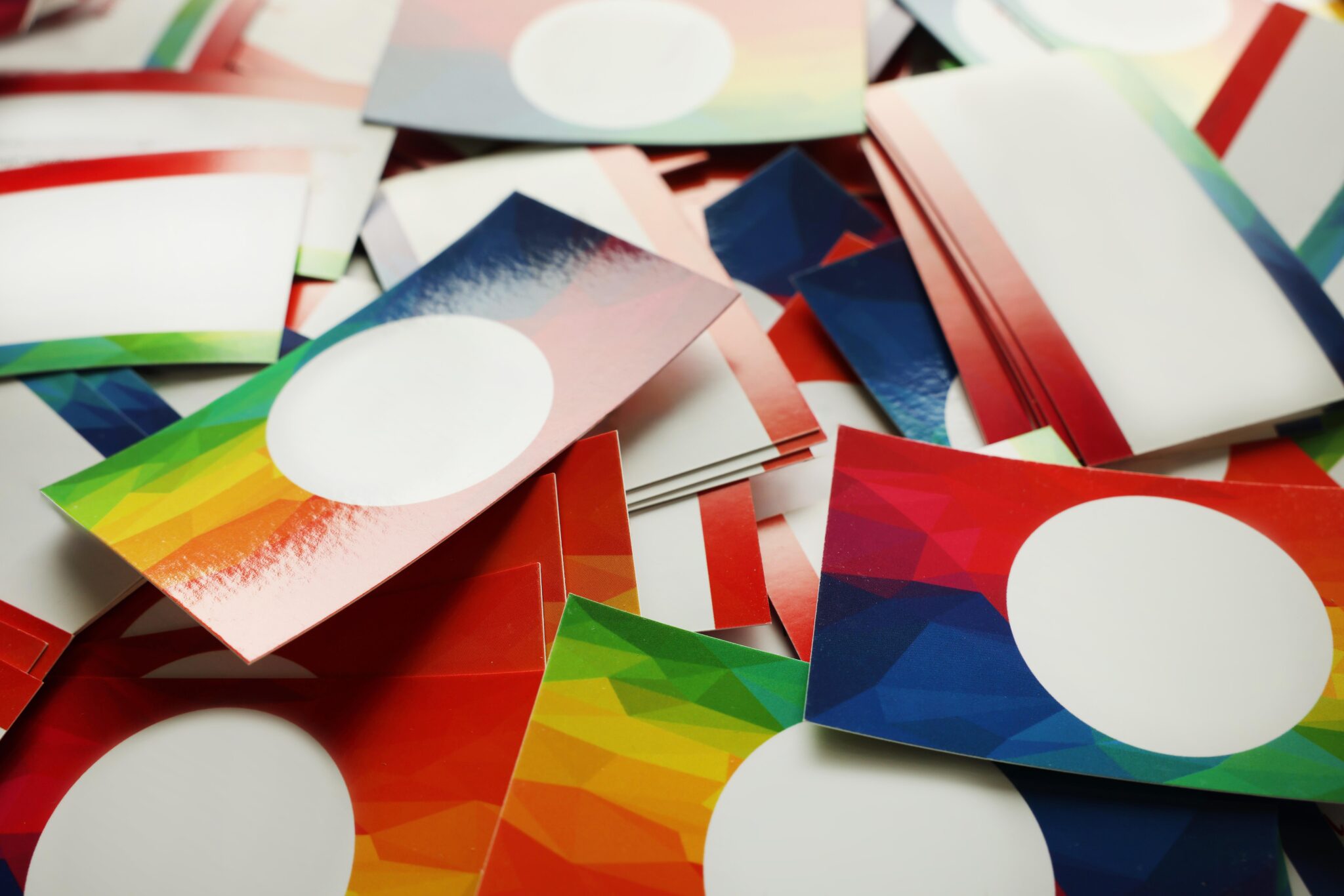
Gloss lamination also changes how your design looks. The reflective surface texture makes colours appear richer and more vibrant, which suits bold logos, photography and saturated brand colours.

Gloss Lamination Compared to Other Finishing Techniques

Here is how gloss compares to a few common finishing techniques:

  • Silk lamination:Offers similar protection with a soft, low-sheen look. Silk laminated business cards are a good choice if you prefer a more understated feel.
  • UV coating:A liquid coating cured with ultraviolet light. It adds shine, but because it is a coating rather than a film, it generally offers less tear resistance than lamination.
  • Spot UV:A glossy coating applied to selected areas only, such as a logo. Spot UV business cards create striking contrast and are often paired with a silk or matte laminated base.

Gloss lamination is a strong fit if you want colour impact and durability in a single finish. For something more distinctive, you can also explore our custom and special finishing options.

Business Card Durability Tips

Even the best protective coating needs a little help. These simple card maintenance and card handling habits keep your cards presentable:

  • Carry cards in a holder or case rather than loose in a pocket or bag.
  • Keep boxes of cards away from heat sources and direct sunlight.
  • Avoid bending cards or stacking heavy items on top of them.
  • Choose a sturdy card stock so cards feel substantial and hold their shape.

These steps support printing longevity and design longevity, so the last card in the box looks as good as the first.

Frequently Asked Questions

Are laminated business cards waterproof?

Laminated business cards are water resistant rather than fully waterproof. The film protects the printed surface from spills and damp conditions, but a long soak can still affect the card. For everyday situations, lamination offers strong moisture protection.

Does gloss lamination make business cards last longer?

Gloss lamination helps cards resist tears, scuffs and edge chipping, which are the most common signs of wear. Laminated cards typically stay presentable longer than uncoated cards.

Can you write on gloss laminated business cards?

Writing on gloss lamination with a regular ballpoint pen can be difficult because the surface is smooth and non-porous. If you plan to write appointment times or notes on your cards, ask our team which finish works best for writing.

What is the difference between gloss lamination and UV coating?

Gloss lamination is a clear film bonded to the card, while UV coating is a liquid layer cured with ultraviolet light. Both add shine, but lamination generally provides stronger protection against tearing and moisture.

How long does it take to print gloss laminated business cards in Calgary?

At Minuteman Press Beltline, standard turnaround for gloss laminated business cards is typically 5 to 12 business days. Timelines vary with quantity and finishing.

Make Your First Impression Last

Gloss lamination is a simple upgrade that protects your investment and helps your brand look sharp every time you hand over a card. It combines moisture protection, tear resistance and vibrant colour in one finish.

Ready to Upgrade Your Business Cards in Calgary?

Minuteman Press Beltline has helped Calgary businesses make strong first impressions for more than 20 years. Explore our full range of business card printing options or talk to our team about the right finish for your brand.

Contact us to request a quote

Carbonless Form Printing Mistakes That Can Cost Your Business Money

Carbonless forms keep a lot of Calgary businesses running. Invoices, work orders, and delivery slips all rely on clear, readable copies. When something goes wrong, the cost adds up quickly: reprints, lost records, and frustrated customers. Most carbonless form printing mistakes are easy to prevent once you know where to look.

Common Carbonless Form Printing Mistakes

Designing the Form Without Room to Write

Good form design starts with the person holding the pen. Crowded fields force people to squeeze their writing, and the copies underneath become harder to read. Leave generous space and keep key details, like totals and signatures, easy to find.

Choosing the Wrong Number of Parts

Multi part forms come in 2, 3 or 4 parts, and each extra sheet adds cost. Too many parts wastes paper, while too few means someone ends up photocopying. Map out who needs each copy before you order.

Skipping Numbering and Perforation

Numbered forms make error detection simple, because a gap in the sequence shows a form is missing. Without perforation, staff tear sheets by hand and can damage the copies underneath.

Overlooking Paper Alignment and Sheet Registration

Carbonless sheets must line up precisely so writing on the top copy lands in the right field below. Professional printers use registration marks and careful sheet handling to keep every part in place.

How the Right Print Shop Supports Error Prevention

Many carbonless paper problems start in the press. Humidity and low paper quality can lead to carbonless paper jams and weak ink transfer. An experienced printing operator runs maintenance checks, tests the first sets off the printing press and watches print consistency throughout the run. That attention to detail supports production efficiency and keeps damage control to a minimum.

At Minuteman Press Beltline, our custom carbonless forms come in white, yellow, pink and gold parts, with unique numbering and books of 25 to 50 sets. Our graphic design team can also refresh an outdated layout.

Carbonless Form Printing Tips Before You Order

  • Proof every field, including phone numbers and legal wording.
  • Confirm the part order and colours match how your team uses each copy.
  • Store unused books flat, away from heat and moisture.

Frequently Asked Questions

Why is my carbonless paper not transferring properly?

Weak transfer is usually caused by light writing pressure, old or poorly stored paper, or sheets collated in the wrong order. Heat and humidity can also reduce the coating’s performance over time.

How many parts should my multi-part form have?

Count how many people need a copy. Most invoices work well as 2-part or 3-part sets, while inspection forms sometimes need four. We offer 2, 3 and 4-part carbonless form printing in custom sizes.

Can I print carbonless forms on my office printer?

Some carbonless sheets can run through a laser printer, but jams and misaligned copies are common. For larger quantities, professional multi part paper printing is usually more efficient.

Why should my forms be numbered?

Sequential numbering makes it easy to track every form and spot missing copies. It is especially useful for invoices and safety forms that may be audited.

Keep Your Forms Working for You

Thoughtful layout, the right number of parts and a printer who checks every sheet all help keep your forms clear and consistent, and support workflow optimization for your team.

Ready to Order Carbonless Forms in Calgary?

With more than 20 years serving Calgary businesses, Minuteman Press Beltline can help you design, print and number forms that fit the way you work. Send us your file to get started.

Contact us to request a quote

Top Business Card Design Trends in 2026

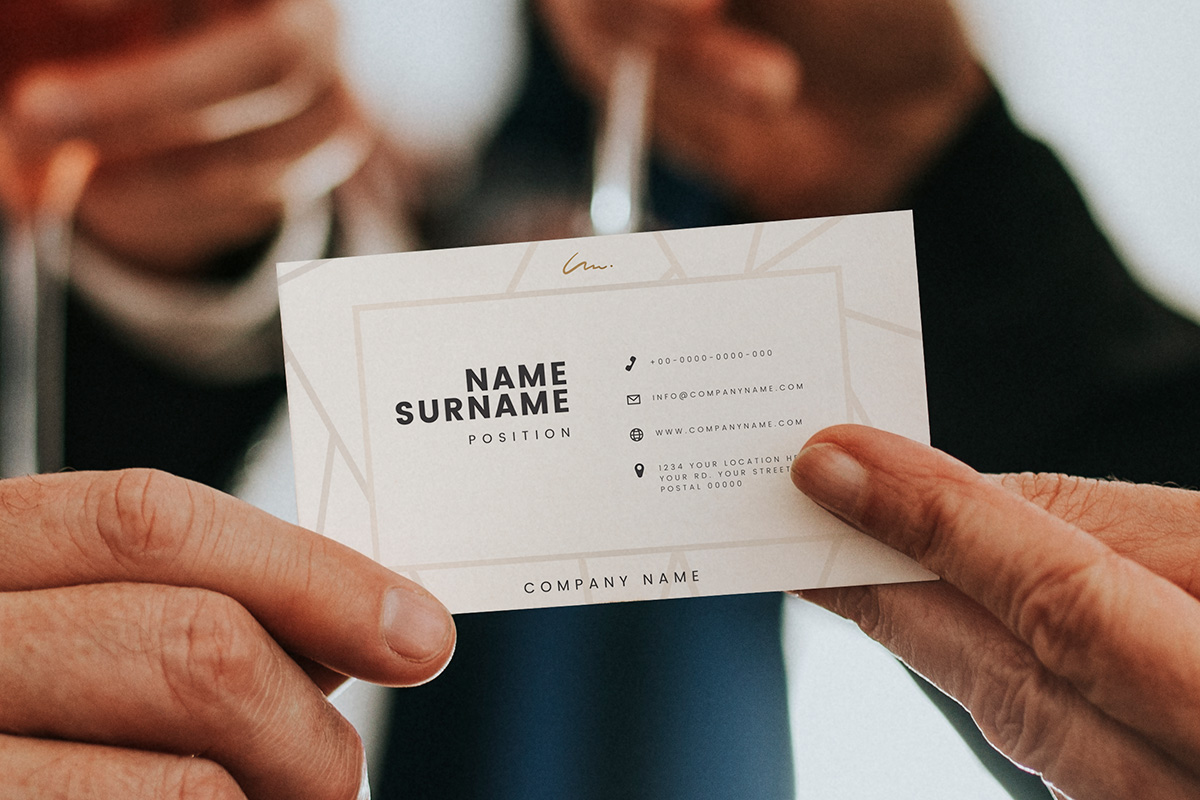
In a digital-first world, business cards are still one of the most powerful networking tools available. But in 2026, business card design is evolving. Companies are looking for ways to stand out, reflect their brand personality, and create memorable first impressions.

From luxury business card finishes to digital business card integrations, the latest business card trends combine creativity with practicality. In this post, we’ll explore the top business card trends for 2026 and share practical tips on how to design business cards that leave a lasting impact.

Modern Business Card Design: What’s Changing in 2026?

Business card design in 2026 focuses on three main elements: simplicity, texture, and technology.

Clean layouts with intentional white space are replacing cluttered designs. Minimalist typography, bold logos, and strategic colour use are dominating corporate business cards and business cards for companies across industries.

At the same time, tactile finishes and premium materials are becoming more popular for brands that want to elevate perception. Whether you’re creating custom business cards or choosing a business card template, the goal is clear communication and strong brand alignment.

Trend #1: Minimalist and Clean Layouts

Less is more in 2026.

Modern business card design emphasizes:

  • Clear hierarchy of information
  • Larger font sizes for readability
  • Strategic use of white space
  • Strong brand colours

When choosing card templates or customizing your own layout, focus on clarity. Standard business card sizes in Canada remain 3.5” x 2”, but how you use that space makes all the difference.

A well-designed business card template should prioritize name, title, phone number, and website without overwhelming the viewer.

Trend #2: Premium and Luxury Finishes

Luxury business card styles are gaining momentum. Businesses are investing in finishes that create a tactile experience.

Popular premium business card design features include:

  • Soft-touch matte coating
  • Spot UV highlights
  • Raised foil or metallic accents
  • Embossed logos
  • Thick cardstock

These options are especially popular for professional services, real estate, and corporate business cards where brand perception matters.

When considering business card printing, it’s important to match the finish with your industry and audience. Printing business cards tips from our team can help you choose the right stock and coating for maximum impact.

Trend #3: Creative Shapes and Custom Sizes

While standard business card sizes remain common, many brands are exploring creative business card formats.

Creative ideas for business cards include:

  • Rounded corners
  • Vertical orientation
  • Square cards
  • Folded mini cards
  • Die-cut shapes

Creating custom business cards with unique shapes can help differentiate your brand, especially in competitive industries. Just ensure your design still fits easily in wallets or card holders.

Trend #4: Integrated Digital Business Card Features

Digital vs physical cards is no longer an either/or debate. In 2026, many businesses are combining both.

Adding a QR code to your business card allows contacts to:

  • Save your details instantly
  • Visit your website
  • View your portfolio
  • Connect on LinkedIn

A digital business card component enhances functionality while keeping the physical networking experience intact.

This hybrid approach works especially well for startups, consultants, and tech-focused businesses.

Trend #5: Bold Typography and High-Contrast Colour

One of the latest business card trends is using bold typography as the focal point.

Instead of relying solely on logos, many modern business card design layouts use:

  • Oversized names
  • Unique fonts
  • High-contrast colour combinations

This works particularly well when designing corporate business cards for brands that want a confident, contemporary look.

When choosing card templates, ensure typography remains legible and aligns with your brand voice.

How to Design Business Cards That Stand Out

If you’re wondering how to design business cards that feel current yet timeless, consider these guidelines:

Start with your brand identity

Your business card design should reflect your logo, colours, and tone of voice.

Choose the right business card size

Standard business card sizes are still preferred for convenience and compatibility, but custom sizing can add impact.

Select the right business card template

A clean business card template helps ensure proper spacing and alignment. Custom layouts allow for greater creativity.

Think about printing early

Business card printing decisions such as paper weight, coating, and finish influence the overall feel of your card.

Balance creativity with professionalism

Creative business card ideas should enhance and not distract from your brand message.

Printing Business Cards Tips for 2026

Even the best design needs proper production.

When preparing for business card printing:

  • Use high-resolution artwork (300 DPI minimum)
  • Set up proper bleed margins
  • Confirm colour profiles (CMYK for print)
  • Review proofs carefully

Whether you’re creating custom business cards or using a business card template, our Calgary team ensures your final product looks polished and professional.

Digital vs Physical Cards: What’s Best?

  • The conversation around digital vs physical cards continues in 2026.
  • Physical cards remain essential for networking events, meetings, and conferences.
  • Digital business card tools add convenience and instant connectivity.

For most businesses, the ideal approach is combining both. A well-designed physical card paired with digital access ensures flexibility and professionalism.

Frequently Asked Questions

What is the standard business card size in Canada?

The standard business card size is 3.5” x 2”. This size fits most wallets and card holders.

How do I choose the right business card template?

Start with a template that aligns with your brand style and allows space for essential contact details. Keep the layout clean and easy to read.

Are luxury business cards worth the investment?

Premium finishes can elevate brand perception and are especially valuable for corporate business cards and client-facing industries.

What are the latest business card trends for 2026?

Minimalist layouts, bold typography, premium finishes, creative shapes, and integrated digital business card features are leading trends.

Should I choose digital or physical business cards?

Both have advantages. Many companies now use physical cards with QR codes to bridge the gap between traditional and digital networking.

Make an Impression That Lasts

Your business card is often the first tangible representation of your brand. Whether you’re updating your corporate business cards or exploring creative ideas for business cards, the right design and print quality matter.

At Minuteman Press Beltline, we help Calgary businesses create premium business card designs that reflect professionalism, creativity, and confidence.

Request a quote or contact us today to design and print business cards that stand out in 2026.

Choosing Between Offset and Digital Printing for Your Business

When it comes to promoting your business in Calgary, the quality of your printed materials matters. Whether you’re printing business cards, marketing flyers, brochures, or signage, choosing the right printing method is a crucial decision that can impact everything from cost to brand perception. Two of the most common options are offset printing and digital printing. Each offer unique advantages. So how do you know which is right for your project? In this post, we’ll break down the offset printing vs digital printing debate to help you make the best choice for your business needs.

Understanding the Difference: Offset vs Digital Printing

At its core, the difference lies in the printing technology.

  • Offset printing uses metal plates and ink, transferring images onto rubber blankets and then onto paper. It’s ideal for large volume printing jobs and provides exceptional colour accuracy and consistency.
  • Digital printing uses laser or inkjet technology to print directly from digital files. This method is better suited for small batch printing, fast turnaround, and variable data (like personalized postcards or direct mail).

For businesses looking to print frequently in Calgary, knowing how offset printing works vs. how digital printing technology operates is key to optimizing your print budget and efficiency.

Offset Printing vs Digital Printing: Pros and Cons

Choosing a commercial printing method depends on your project goals. Here’s a quick comparison of the pros and cons of digital vs offset printing:

Offset Printing Digital Printing
Best For Large print runs, consistent branding Small batches, fast turnarounds
Setup Time Longer setup time Quick setup
Unit Cost Lower for large quantities Better for small runs
Print Quality Excellent for consistent colour & image quality Very good, but may vary slightly
Customization Limited (same design per run) High (great for personalization)

If you’re printing thousands of flyers or brochures, offset may offer better efficiency and savings. But for last-minute jobs, digital printing advantages like speed and flexibility are hard to beat.

Printing Costs: What You Should Know

One of the biggest factors in the offset vs digital printing for business cards or any material is cost.

  • Offset has higher initial setup fees but lower per-unit costs for bulk orders.
  • Digital printing has minimal setup fees, making it more cost-effective for smaller quantities.

At Minuteman Press Beltline, we’re happy to help with a detailed printing cost comparison so you can make the most budget-friendly choice.

Print Quality and Brand Perception

When considering printing quality differences, both options have their place.

  • Offset offers superior precision and colour matching, ideal for luxury products or premium business card printing.
  • Digital printing is typically more than sufficient for everyday needs like office documents, internal flyers, or short-run promotional materials.

Volume, Turnaround, and Efficiency

  • For bulk orders, offset is more efficient in both cost and consistency.
  • For short-run or rush jobs, digital is ideal, especially if you need quick reprints or personalized messaging.

When to Use Offset vs Digital for Business Cards

  • Choose offset if you want specialty finishes like metallic ink or embossed logos, or you’re printing thousands of cards.
  • Go with digital for smaller orders, quick turnaround, or personalized card designs for multiple team members.

Frequently Asked Questions

How does print volume influence the decision between offset and digital printing?

Higher volumes favour offset printing due to lower per-unit costs. For smaller runs, digital is typically more economical.

What are the long-term cost implications of using offset versus digital printing for marketing materials?

Offset is more cost-effective for large, repeated print runs, while digital gives flexibility for frequent content updates.

How do print quality differences affect branding perception for small businesses?

Offset offers higher consistency, which can strengthen your brand identity in high-impact materials like brochures or product packaging.

When is it more efficient to switch from digital to offset printing for bulk orders?

Once your quantity exceeds 500–1000 pieces, offset generally becomes more cost-effective. Our team can help assess the break-even point.

How can businesses optimize turnaround time without compromising print quality?

Use digital for urgent or personalized jobs, and plan ahead with offset for larger campaigns. We can help balance both to meet deadlines.

Let’s Print Smarter, Calgary

Whether you need small batch printing or a full-scale marketing rollout, Minuteman Press Beltline offers the best of both worlds. Our team will help you weigh digital vs offset printing pros and cons to choose the right solution for your brand.

Request a quote or contact us today to speak with a Calgary-based printing expert.