



Carbonless forms keep a lot of Calgary businesses running. Invoices, work orders, and delivery slips all rely on clear, readable copies. When something goes wrong, the cost adds up quickly: reprints, lost records, and frustrated customers. Most carbonless form printing mistakes are easy to prevent once you know where to look.
Common Carbonless Form Printing Mistakes
Designing the Form Without Room to Write
Good form design starts with the person holding the pen. Crowded fields force people to squeeze their writing, and the copies underneath become harder to read. Leave generous space and keep key details, like totals and signatures, easy to find.
Choosing the Wrong Number of Parts
Multi part forms come in 2, 3 or 4 parts, and each extra sheet adds cost. Too many parts wastes paper, while too few means someone ends up photocopying. Map out who needs each copy before you order.
Skipping Numbering and Perforation
Numbered forms make error detection simple, because a gap in the sequence shows a form is missing. Without perforation, staff tear sheets by hand and can damage the copies underneath.
Overlooking Paper Alignment and Sheet Registration
Carbonless sheets must line up precisely so writing on the top copy lands in the right field below. Professional printers use registration marks and careful sheet handling to keep every part in place.

How the Right Print Shop Supports Error Prevention
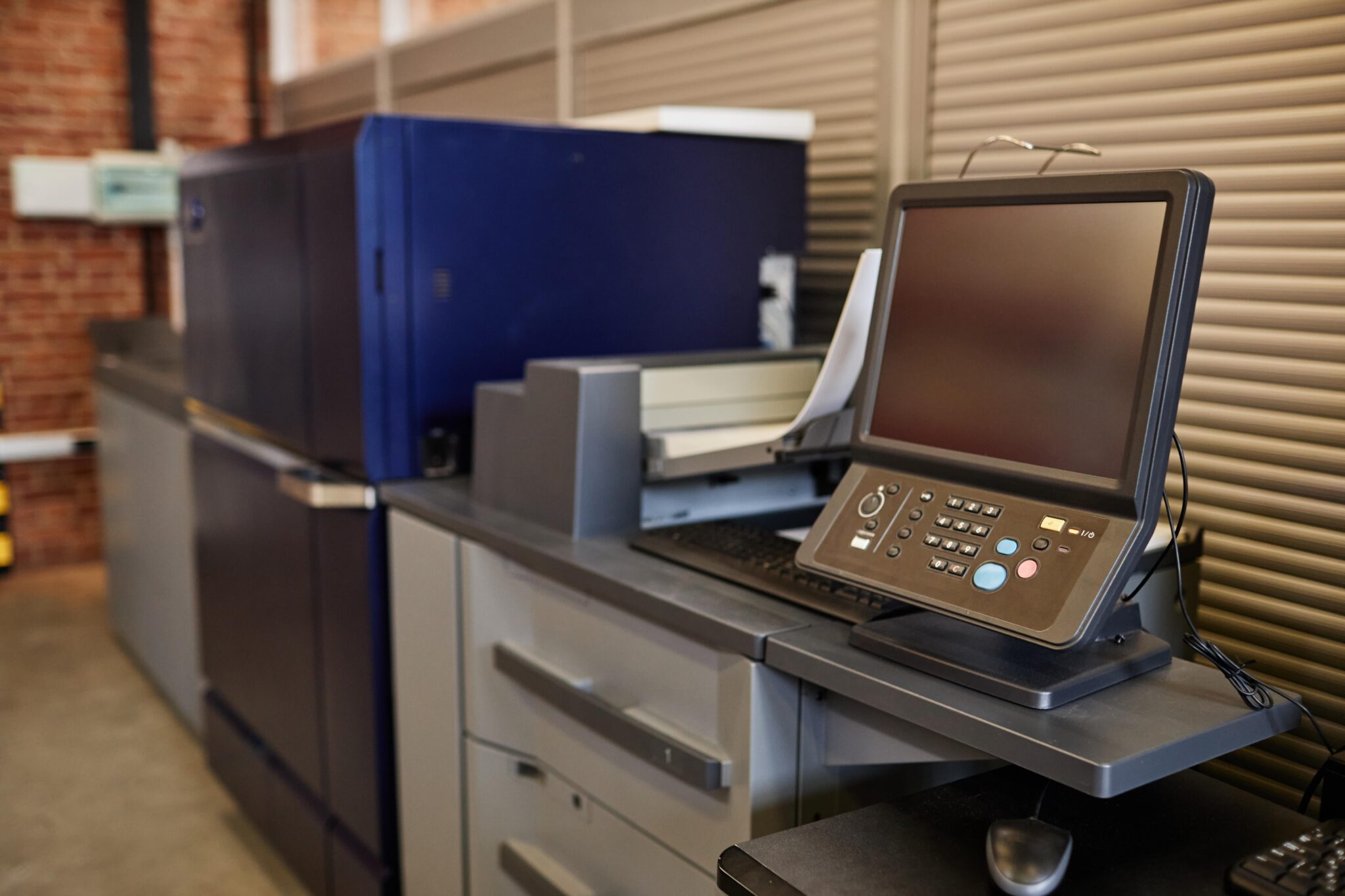
Many carbonless paper problems start in the press. Humidity and low paper quality can lead to carbonless paper jams and weak ink transfer. An experienced printing operator runs maintenance checks, tests the first sets off the printing press and watches print consistency throughout the run. That attention to detail supports production efficiency and keeps damage control to a minimum.
At Minuteman Press Beltline, our custom carbonless forms come in white, yellow, pink and gold parts, with unique numbering and books of 25 to 50 sets. Our graphic design team can also refresh an outdated layout.
Carbonless Form Printing Tips Before You Order
- Proof every field, including phone numbers and legal wording.
- Confirm the part order and colours match how your team uses each copy.
- Store unused books flat, away from heat and moisture.
Frequently Asked Questions
Why is my carbonless paper not transferring properly?
Weak transfer is usually caused by light writing pressure, old or poorly stored paper, or sheets collated in the wrong order. Heat and humidity can also reduce the coating’s performance over time.
How many parts should my multi-part form have?
Count how many people need a copy. Most invoices work well as 2-part or 3-part sets, while inspection forms sometimes need four. We offer 2, 3 and 4-part carbonless form printing in custom sizes.
Can I print carbonless forms on my office printer?
Some carbonless sheets can run through a laser printer, but jams and misaligned copies are common. For larger quantities, professional multi part paper printing is usually more efficient.
Why should my forms be numbered?
Sequential numbering makes it easy to track every form and spot missing copies. It is especially useful for invoices and safety forms that may be audited.
Keep Your Forms Working for You
Thoughtful layout, the right number of parts and a printer who checks every sheet all help keep your forms clear and consistent, and support workflow optimization for your team.
Ready to Order Carbonless Forms in Calgary?
With more than 20 years serving Calgary businesses, Minuteman Press Beltline can help you design, print and number forms that fit the way you work. Send us your file to get started.